Control Who Sees
Which Documents
— In Real Time.
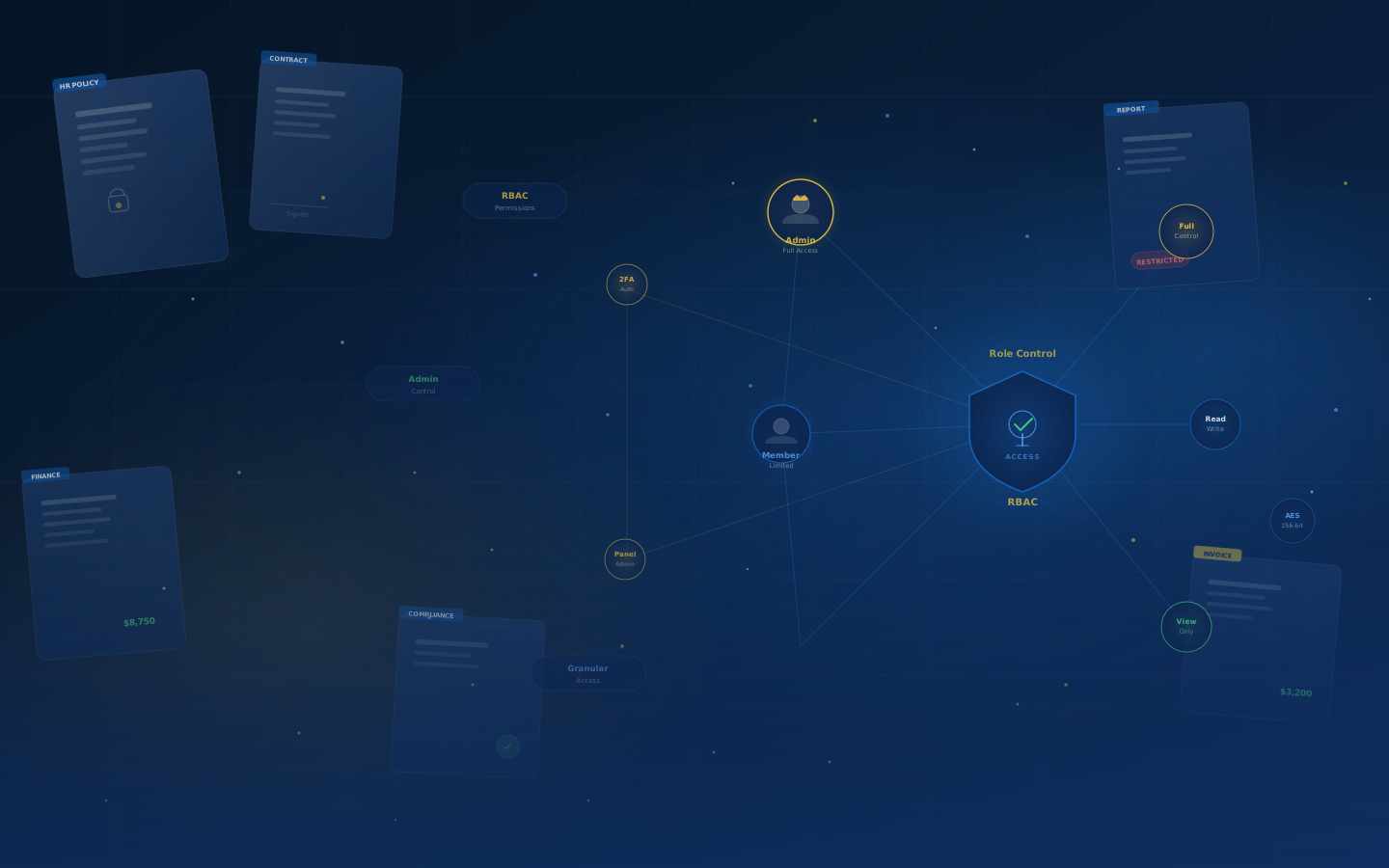
Role-based document access assigns every team member one of two roles Admin or Member so each person sees, uploads, or edits only the documents their role permits, with no manual file-by-file sharing. QllmDocs enforces this across manual browsing, folder navigation, and AI search alike.
Why "Just Share the Folder" Stops Working
Most businesses start with shared folders and quickly run into the same wall. Role-based document access is how you get past it.
Everyone Sees Everything
Every Person Sees Only Their Scope
Two Roles. Complete Control.
QllmDocs role-based document access gives you two clearly defined permission levels built to match how real teams actually work.
Complete control over the entire document library, team members, and all settings.
Business owners, IT managers, department heads, and anyone responsible for the document library and team access.
Active contributor who uploads and works with documents within their permitted categories only.
Day-to-day staff, accountants, procurement officers, field teams anyone who regularly creates and manages documents in their own scope.
Role-Based Access Running in Under 10 Minutes
No IT team required. Any Admin can configure the whole team's document permissions in a single session.
Open Admin Panel
Log in as Admin and go to Team & Permissions in your QllmDocs settings.
Invite Your Team
Enter each person's email and assign them a role Admin or Member in one click.
Set Category Scope
Define which document categories each Member can access Finance, HR, Legal, or any custom category you've created.
Permissions Are Live
Done. Every team member's document view, downloads, and AI search results are instantly filtered to their authorized scope.
Exactly What Each Role Can Do
Use this table to decide the right role for every person on your team before you invite them.
Your Access Rules Apply Everywhere Including AI Search
Most document tools let Admins restrict the manual file browser but leave the search bar wide open. In QllmDocs, role-based document access applies to every part of the product: manual browsing, folder navigation, and ASKAI natural language search all enforce the same permission rules.
Everything You Need to Manage Document Access
Role-based access isn't just about locking things down it's about giving every team member exactly the tools they need, without the noise.
Promote a Member to Admin in two clicks. Changes take effect immediately no logout or system restart required.
Every view, download, upload, and permission change is recorded with timestamp and user. Know exactly who touched which document, and when.
Restrict Members to specific document categories Finance, HR, Legal, Compliance so sensitive file groups stay visible only to the roles that need them.
Remove a departing employee or contractor and their access is revoked immediately no leftover shared links, no cleanup required.
Every document in your QllmDocs library is encrypted at rest using AES-256. Role permissions and encryption work together as your two-layer protection.
Invite any team member by email. They receive a one-click onboarding link, log in, and land directly in their permitted document scope no IT hand-holding needed.
Role-Based Access Built for Growing Teams
Simple to configure. Impossible to bypass.
Admin and Member full control or scoped access, covering every team structure without complexity.
Enter email, assign role, send invite. Your team member is in their authorized scope immediately.
ASKAI enforces role permissions on every query. No back door through natural language search.
Any Admin can configure all roles and permissions from the dashboard no technical expertise required.
How Different Teams Use Role-Based Access
See how real businesses structure their QllmDocs Admin and Member roles to match their actual workflows.
Partners are Admins with full library visibility. Accountants are Members scoped to their assigned client categories they can upload invoices and documents but cannot access other clients' files.
The clinic manager is Admin. Clinical staff are Members scoped to medical categories. Billing staff are Members scoped to finance documents only no cross-department access.
Head office staff are Admins. Site managers are Members who can upload progress reports and site documents within their project scope without access to company-wide financials or contracts.
Senior partners are Admins. Legal team members are Members scoped to their own case category. No cross-team document leakage permissions are enforced even through ASKAI search queries.
Finance leads are Admins with full visibility. Procurement officers are Members scoped to purchase orders and delivery notes they upload and track their documents without accessing financial reports.
Agency leads are Admins. Freelancers are Members scoped to the single project category they're working on. When the project ends, one click removes their access entirely.
Frequently Asked Questions About Role-Based Document Access
Still have questions about permissions?
Talk to Our Team
Ready to Put the Right Documents
In the Right Hands?
Start your 90-day free trial on monthly basic with full role-based document access, Admin panel, and ASKAI AI search all included. No credit card required. Works on any device from day one.